

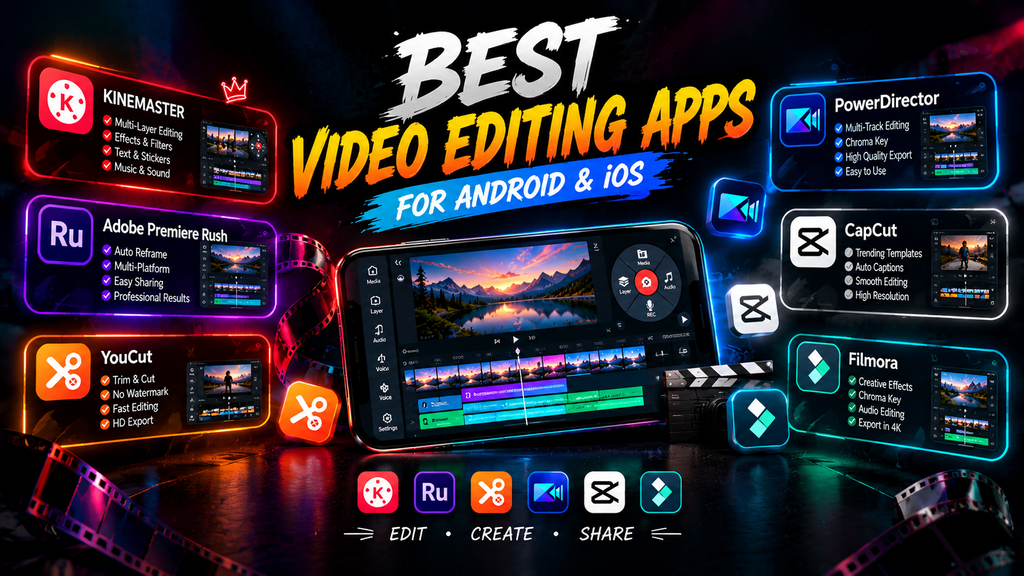
Android smartphones have made video editing easier than ever. Whether you create YouTube videos, Instagram Reels, TikTok videos, or simple personal clips, you can edit professional-looking videos directly from your phone. The good news is that many powerful video editing apps are available for free.
1. CapCut
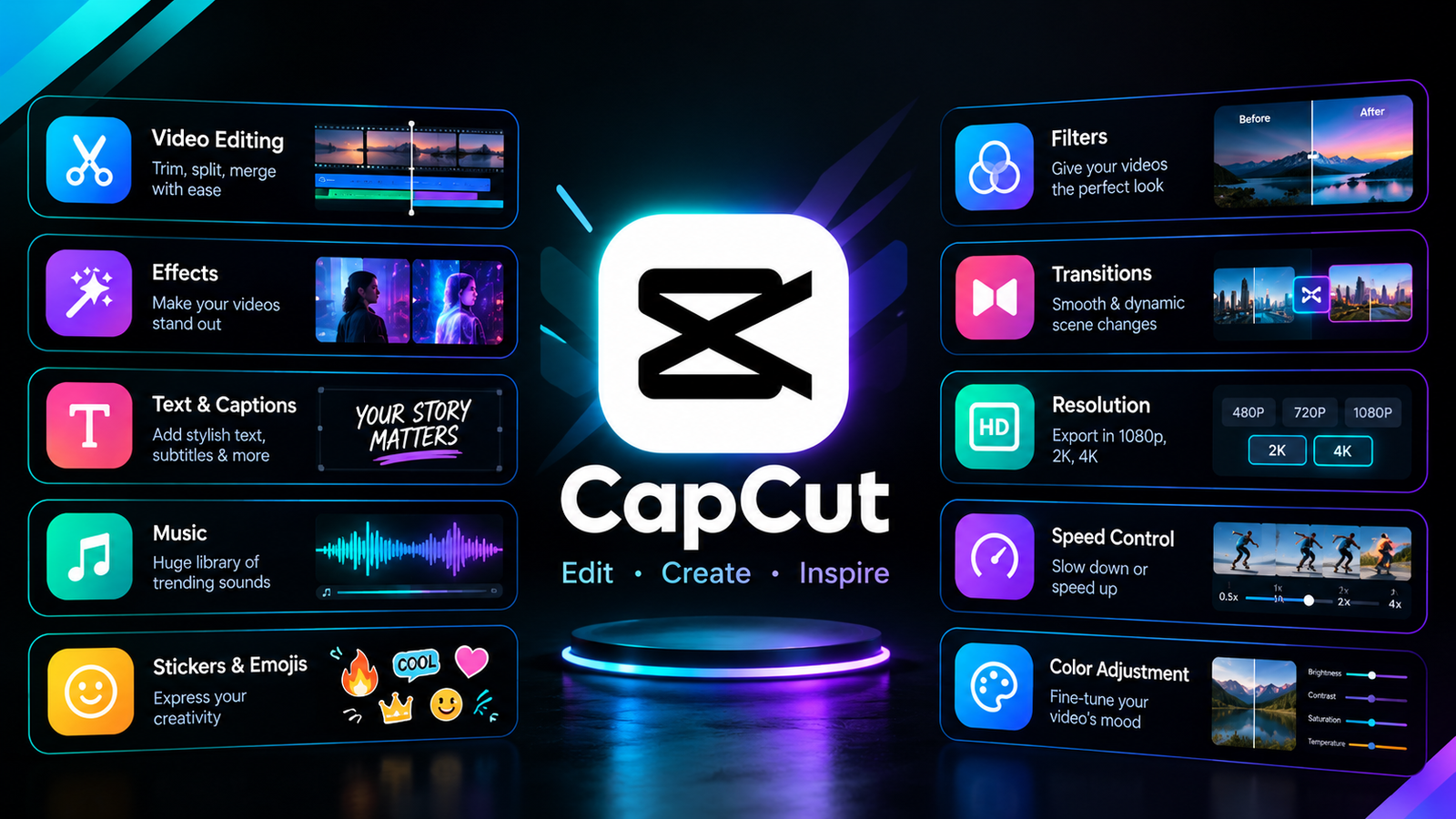
CapCut is one of the most popular free video editing apps for Android. It offers trimming, transitions, filters, text animations, effects, music, subtitles, and many AI-powered features. Its simple interface makes it suitable for beginners as well as content creators.
2. VN Video Editor
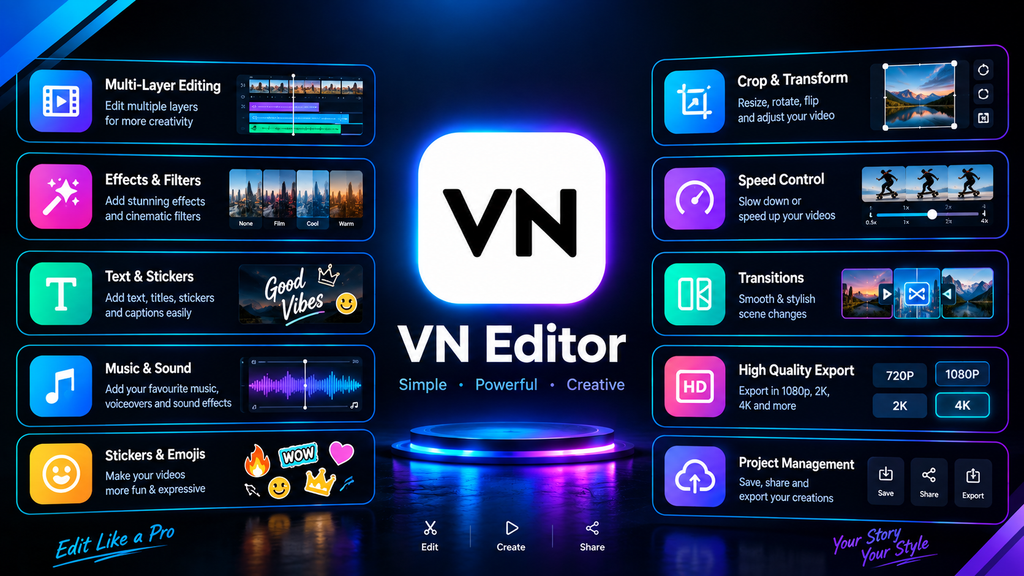
VN Video Editor provides a clean and professional editing experience without requiring advanced editing skills. Users can work with multiple video and audio tracks, add transitions, adjust speed, and apply filters. It is a useful option for creators who want more control over their videos.
3. InShot
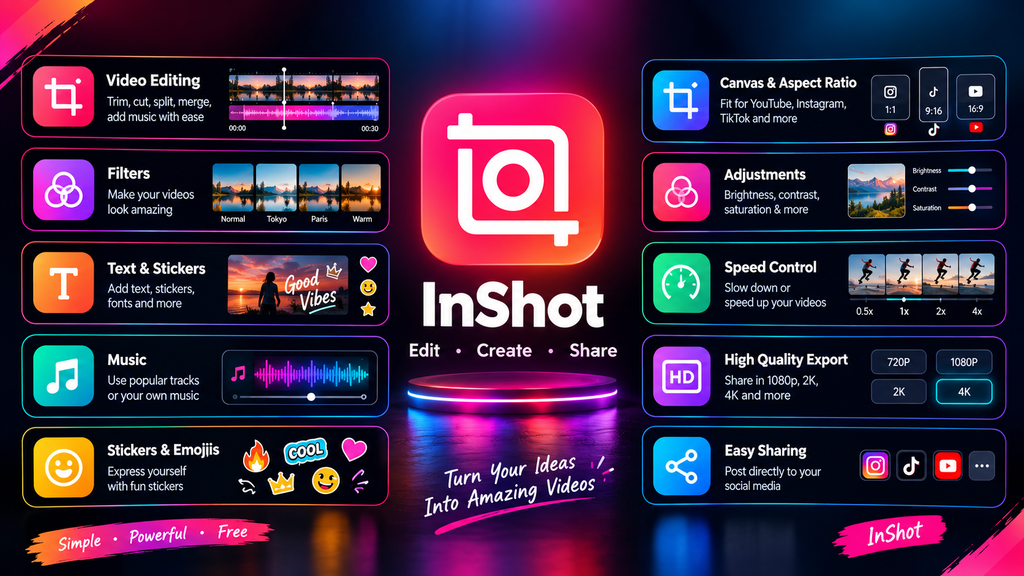
InShot is designed for quick and easy video editing. It includes video trimming, music, text, stickers, filters, transitions, and canvas resizing. It is particularly useful for creating content for social media platforms.
4. KineMaster
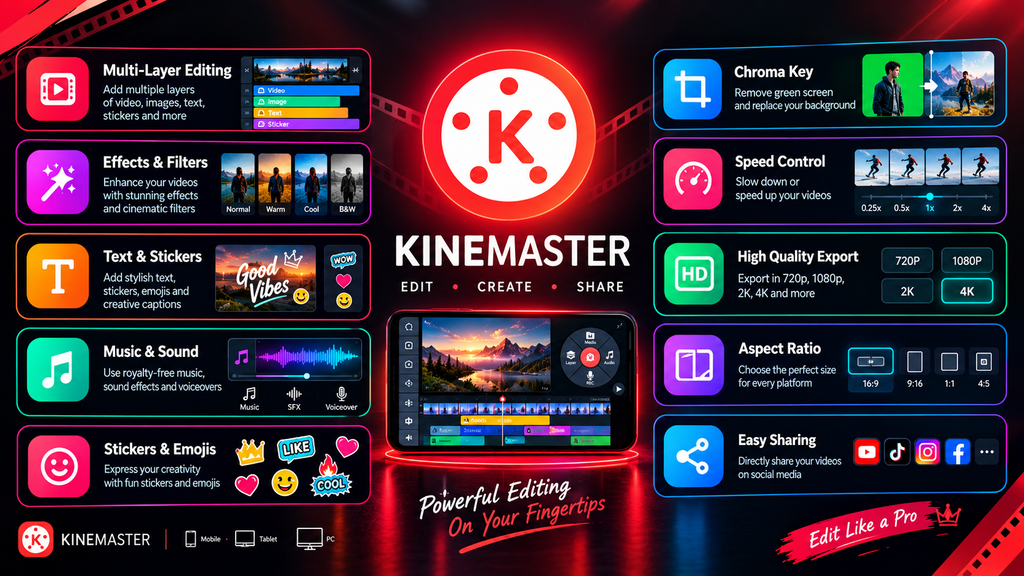
KineMaster offers more advanced editing tools in a mobile-friendly interface. You can use multiple layers, chroma key, blending modes, audio controls, and various effects. It is a good choice for users who want desktop-style editing features on Android.
5. Adobe Premiere Rush
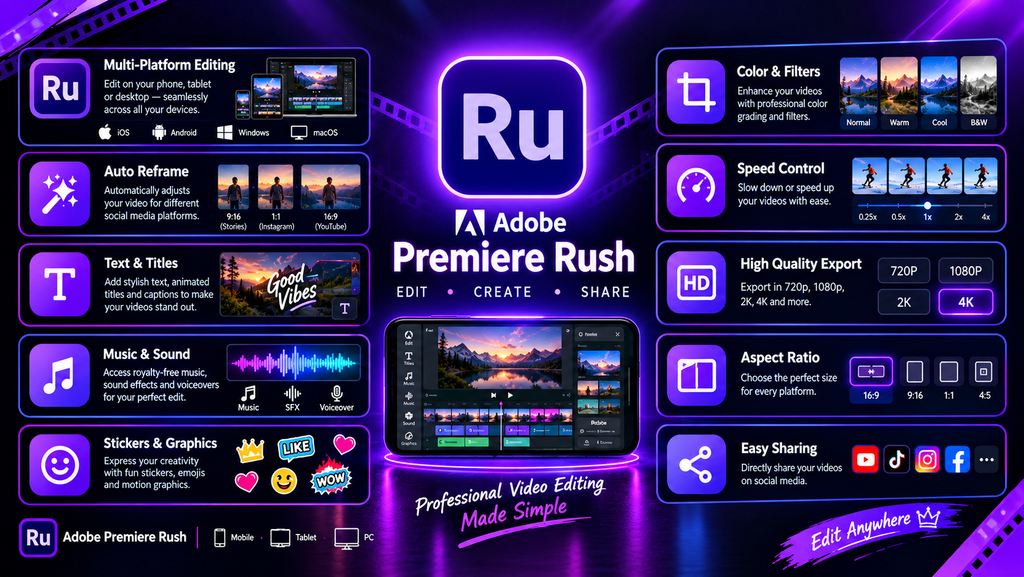
Adobe Premiere Rush provides a straightforward way to edit and organize videos on mobile devices. Users can trim clips, add titles, adjust audio, and create videos for social media. It can be useful for creators who are already familiar with Adobe’s ecosystem.
6. YouCut
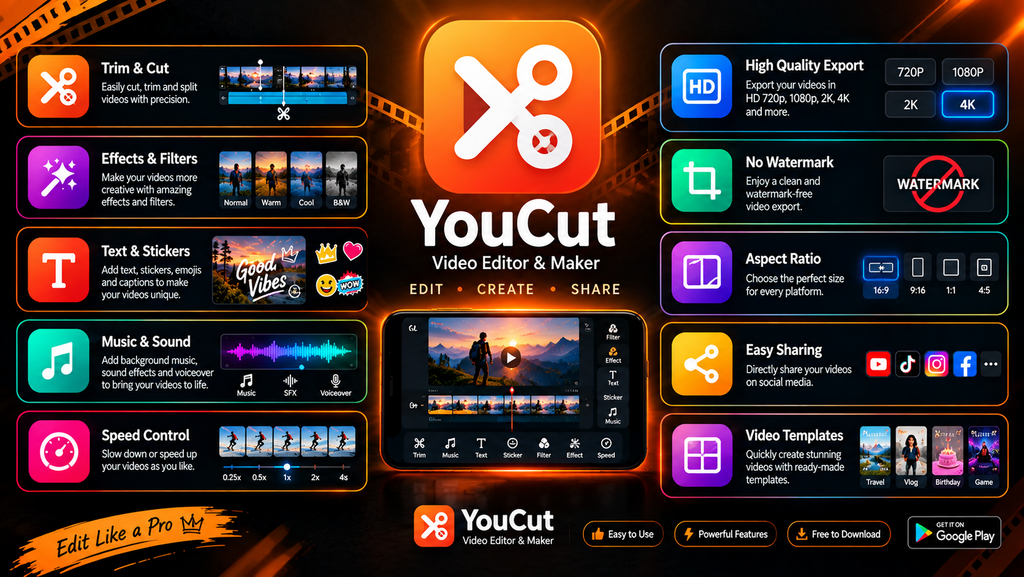
YouCut is a lightweight video editor focused on simple editing. It supports trimming, merging, music, filters, text, transitions, and speed controls. Its straightforward design makes it suitable for beginners.
7. PowerDirector
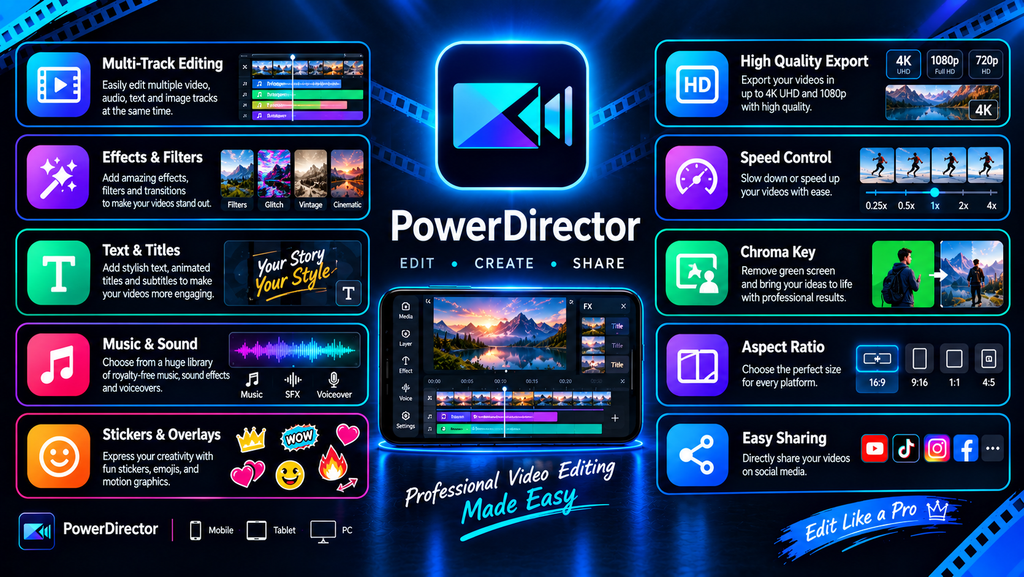
PowerDirector brings many advanced video-editing features to Android. It supports multiple tracks, effects, transitions, chroma key, and high-resolution video editing. It is suitable for users who want more advanced tools on their smartphone.
Which Video Editing App Should You Choose?
The right app depends on what you need. CapCut and InShot are convenient for social media content, while VN Video Editor offers a strong balance between simplicity and advanced controls. For more advanced mobile editing, KineMaster and PowerDirector provide additional tools.
Final Thoughts
You don’t need an expensive computer or professional editing software to create quality videos. These free Android video editing apps provide a variety of tools for beginners, students, influencers, and content creators. Try a few options and choose the one that best matches your editing style and requirements.
Hashtags
#AndroidApps #VideoEditing #VideoEditor #FreeVideoEditor #AndroidVideoEditor #VideoEditingApps #BestAndroidApps #MobileVideoEditing #ContentCreation #VideoEditingTools #TechApps #AndroidTips #FreeApps #VideoCreator #VideoEditing2026 #Tech2026 #SmartphoneEditing #ContentCreator #YouTubeCreator #SocialMediaToolsBest Free Video Editing Apps for Android And IOS