
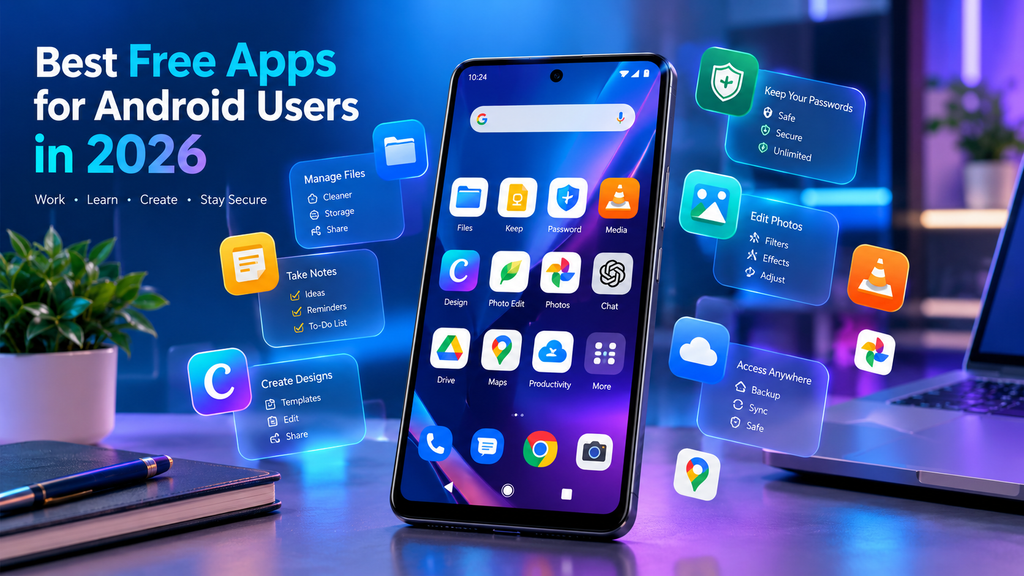
Android phones are more powerful than ever. However, the right apps can make them even more useful.
Additionally, whether you want to manage your files, stay productive, protect your passwords, or edit photos, you have many options. There are many best free apps for android users in 2026 available.
In this guide, we have selected several useful free Android apps.
They can help students, professionals, creators, and everyday users get more from their devices.
These are among the best free apps for android users in 2026.
1. Files by Google
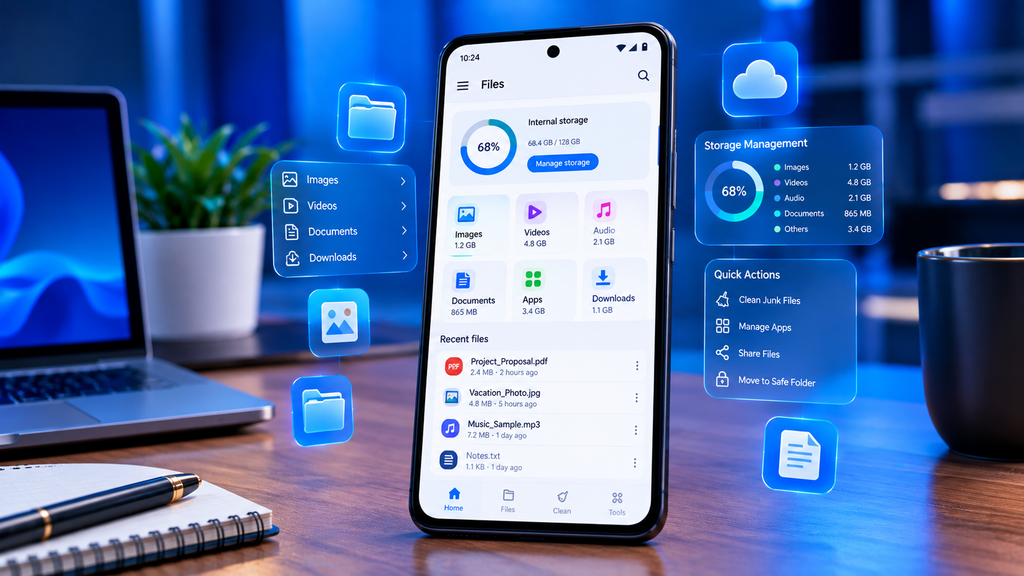
Files by Google is a useful file manager for Android users who want to keep their phones organized. The app lets you browse, search, rename, move, copy, and share files. This best free apps for android users in 2026 offer convenient tools to manage documents and media on the go.
One of its most useful features is its storage-cleaning system. It can help identify junk files, duplicate files, screenshots, recommended files, and unused apps that you may want to remove.
Files by Google supports Android 8.0 and newer devices.
Best for: File management and freeing up storage.
2. Google Keep
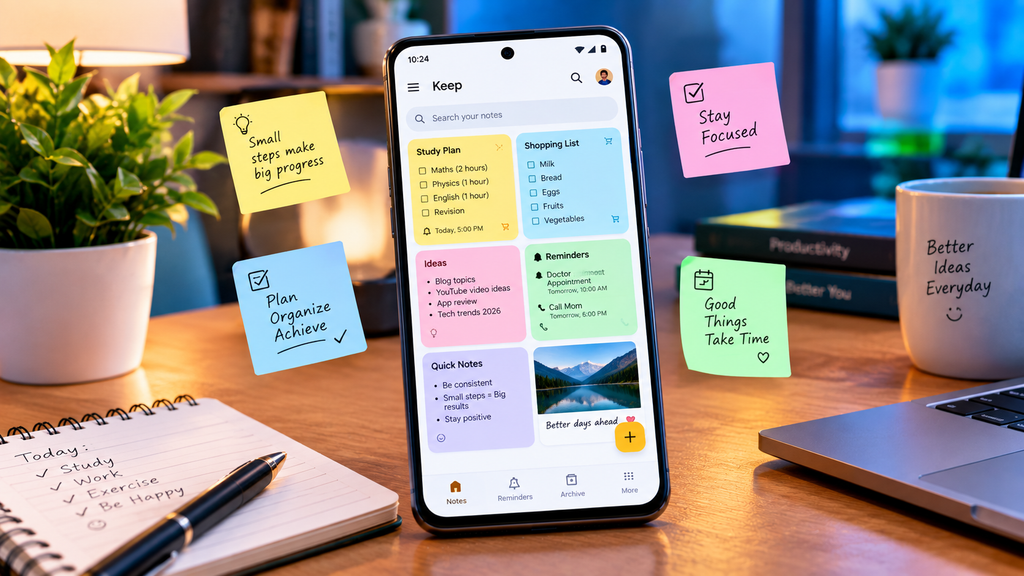
If you frequently write down ideas, reminders, shopping lists, or study notes, Google Keep is a simple and useful choice.
You can create text notes, lists, drawings, image notes, and reminders. Notes can also be organized using labels, colors, and pins. Google Keep allows users to share notes with other people for collaboration.
The app can also search through notes and filter them by different types, labels, colors, and other categories.
Best for: Students, reminders, quick notes, and daily organization.
3. Bit warden
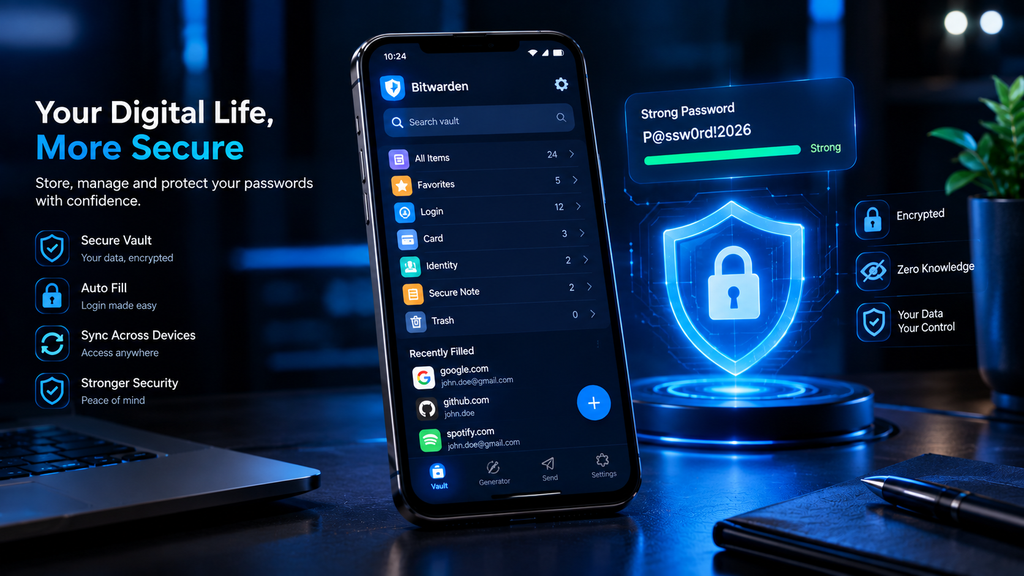
Different passwords for every online account enhance security, but remembering them all can be difficult.
Bit warden provides a free password-management option that can store passwords in an encrypted vault.
Bit warden says its basic password manager is available for free and supports unlimited password storage. It also offers apps for Android and other platforms.
With a password manager, users can create stronger passwords and avoid repeatedly using the same password across multiple websites.
Best for: Password management and account security.
4. VLC for Android
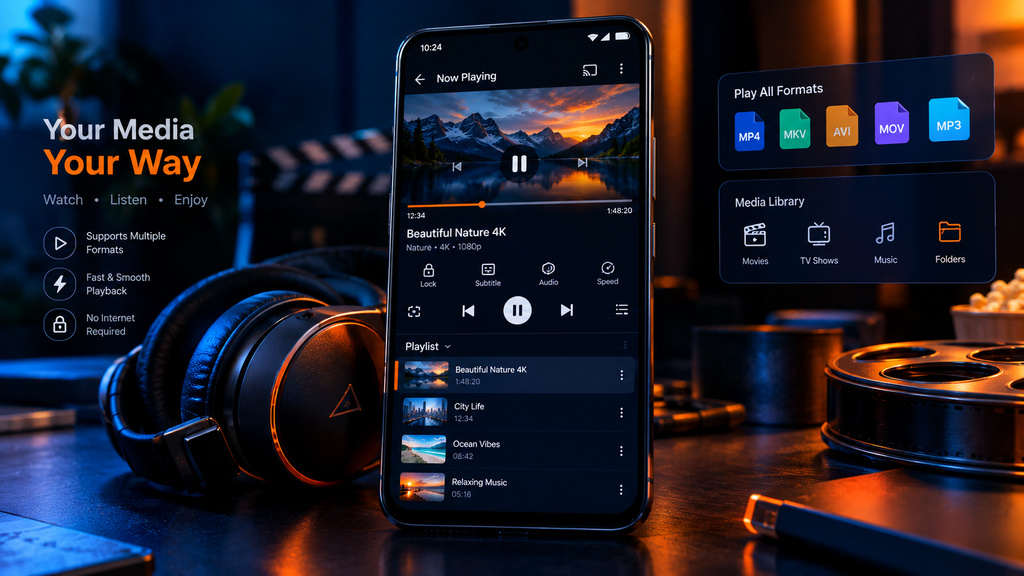
VLC for Android is a popular choice for users who want to play different types of video and audio files on their smartphones.
It is particularly useful if you keep movies, music, or other media files locally on your device. Its straightforward media-player design makes it a practical alternative to relying only on built-in phone players.
Best for: Playing local videos and music.
5. Canva
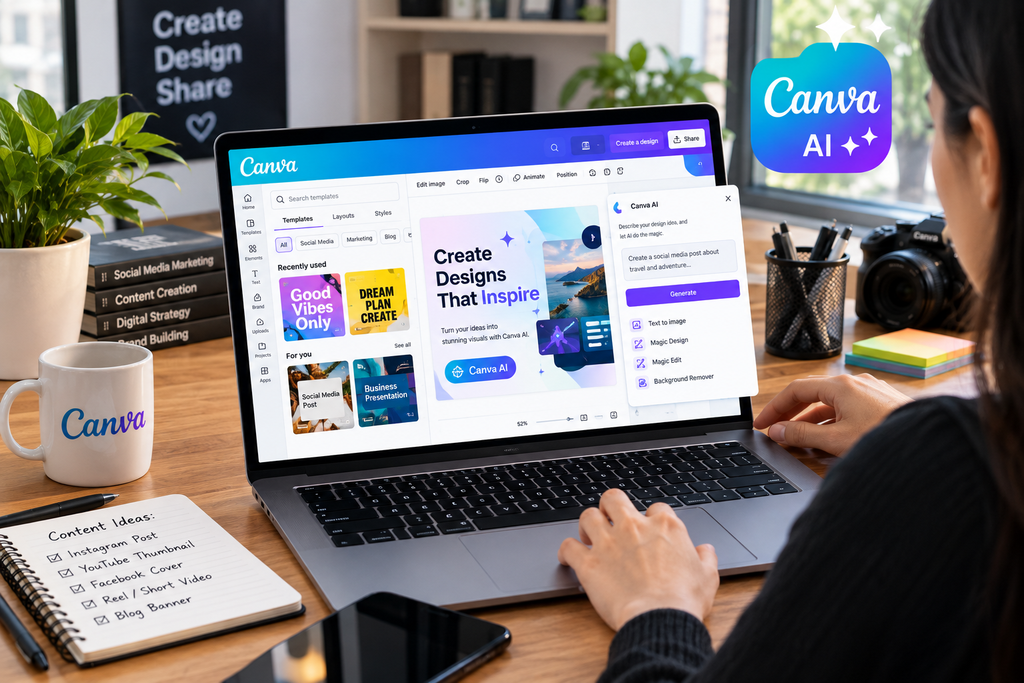
For people who create social media posts, thumbnails, presentations, posters, or simple graphics, Canva is a convenient mobile design app.
The free version provides templates and design tools that can help beginners create professional-looking graphics without advanced design knowledge. You can also work on designs from your phone, which is useful for creators who do not always have access to a computer.
Best for: Social media graphics, thumbnails, posters, and basic design.
6. Snap seed
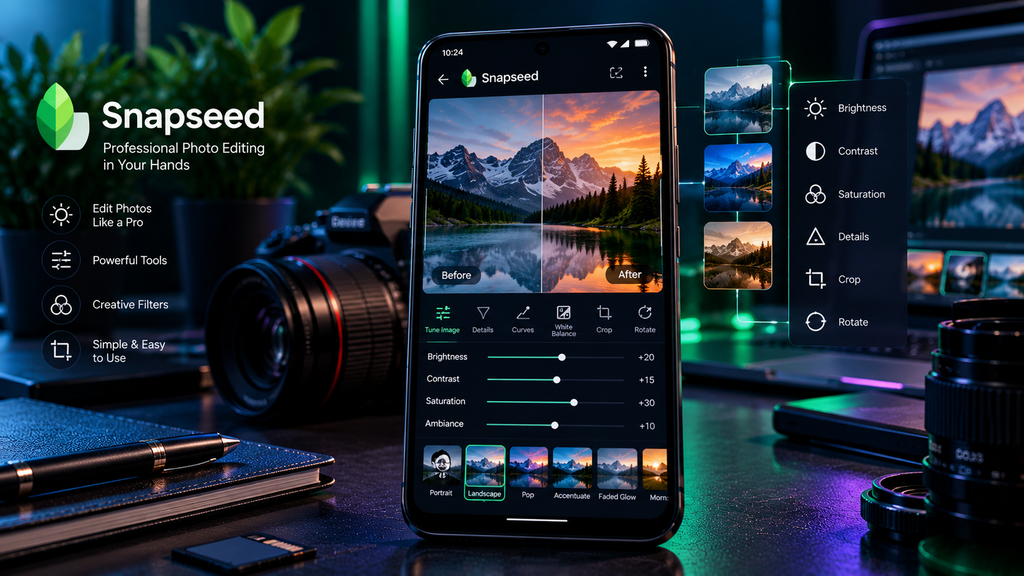
Snap seed is a powerful photo-editing app for Android users. It provides tools for improving photographs, adjusting colors, cropping images, applying effects, and making more detailed edits.
It can be useful for everyday users who want to improve smartphone photos as well as content creators who need quick edits before publishing images online.
Best for: Photo editing and improving smartphone photography.
7. Google Photos
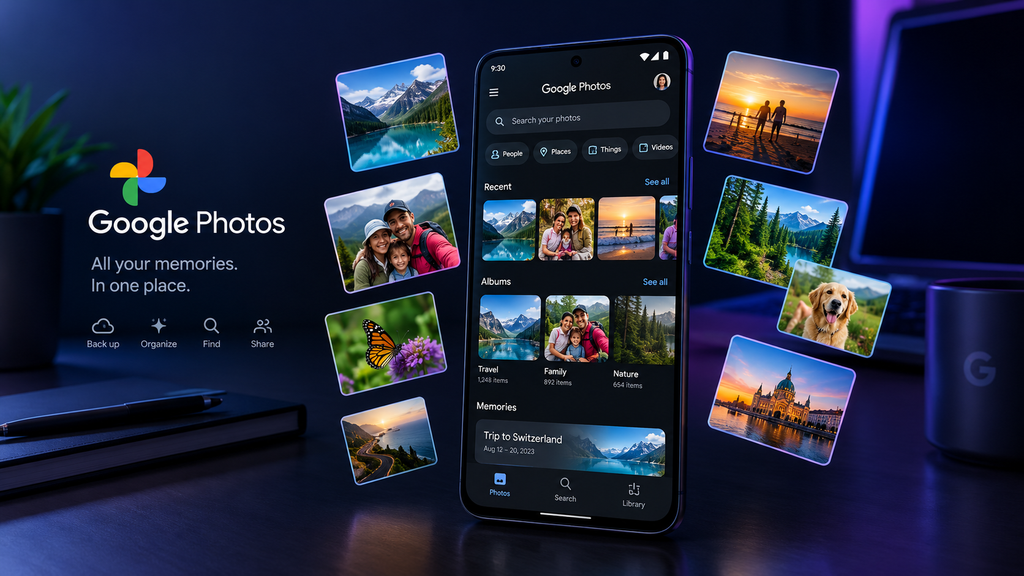
Google Photos is useful for managing and organizing photos and videos. It provides tools for viewing, organizing, searching, and editing your personal media collection.
For Android users who take lots of photographs and videos, having a dedicated photo-management app can make it easier to find older pictures and keep a large collection organized.
Best for: Photo organization and basic editing.
8. ChatGPT
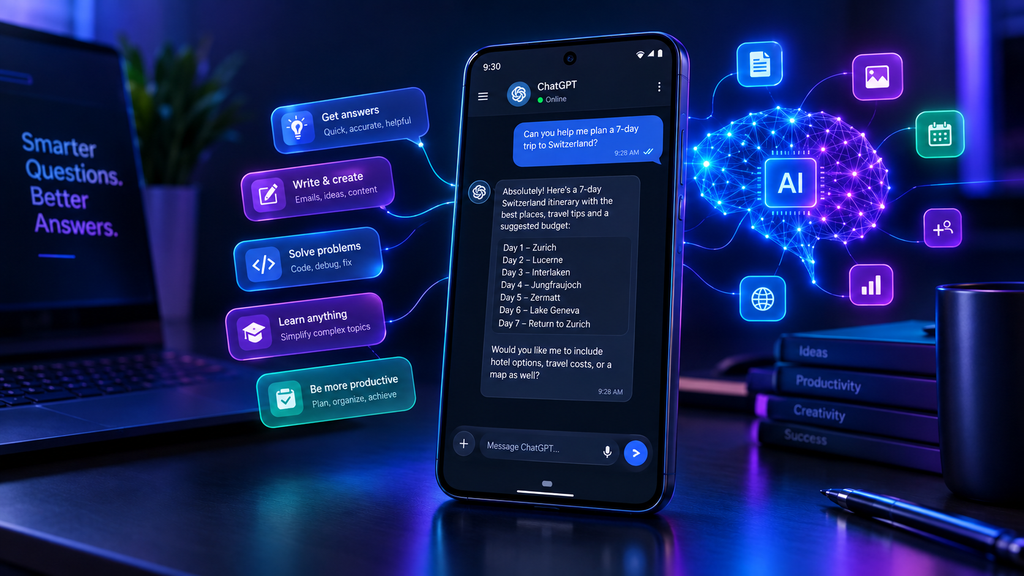
AI assistants have become an important part of everyday smartphone use in 2026. The ChatGPT Android app can be useful for brainstorming ideas, learning concepts, writing, summarizing information, generating study questions, and getting help with everyday tasks.
Students can use AI as a study companion, while content creators can use it to brainstorm article ideas, social media captions, and outlines.
The free version can be a useful starting point for people who want to explore AI without immediately paying for a subscription.
Best for: AI assistance, learning, writing, and brainstorming.
9. Google Drive
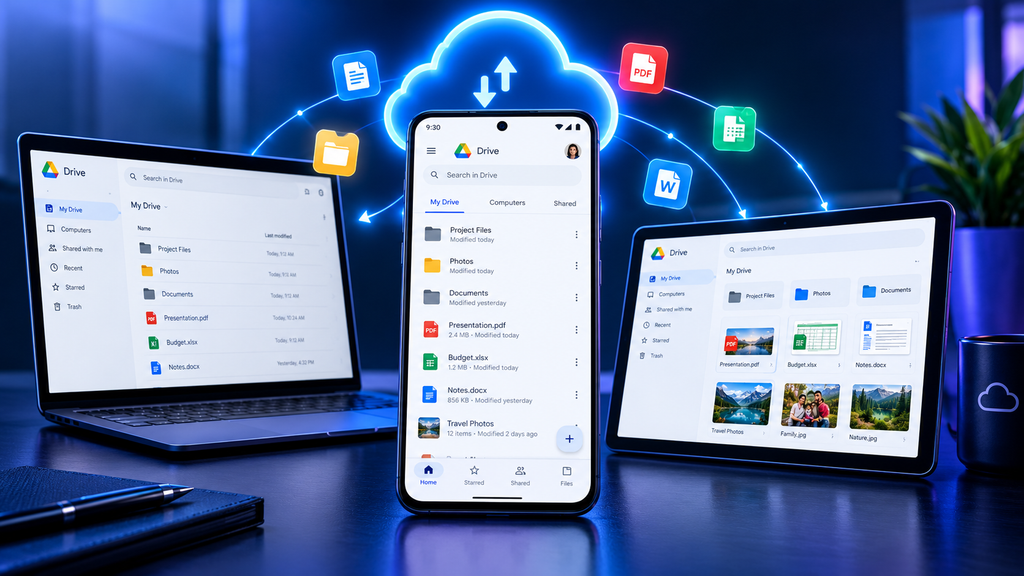
Google Drive is a practical cloud-storage and file-management app for Android users. It can be used to access documents, PDF, images, and other files from a smartphone.
It is particularly useful for students and professionals who work across multiple devices. Instead of keeping every important document only on a phone, users can keep files available through their Google account and access them when needed.
Best for: Cloud storage, documents, and file access.
10. Google Maps
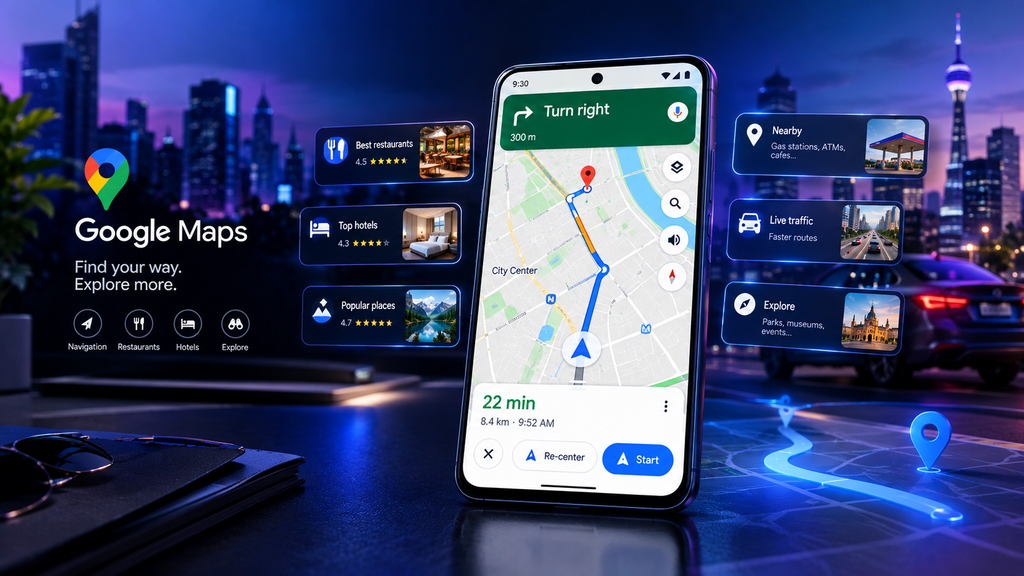
Google Maps remains one of the most useful everyday apps for Android users. It can help users search for places, find directions, explore businesses, and plan journeys.
For people who travel regularly or simply need to find a new location, having a reliable maps application on a smartphone can save time and make navigation easier.
Best for: Navigation, locations, travel, and discovering places.
How to Choose the Right Android Apps
You do not need to install every app on your phone. The best approach is to choose apps based on your personal needs.
If your phone is running out of storage, Files by Google can help you organize files and remove unnecessary items. For notes and reminders, Google Keep is a simple option. If you want better password management, Bit warden can help keep your accounts organized.
Creators may find Canva and Snap seed useful for graphics and photos, while ChatGPT can help with writing, ideas, research assistance, and learning.
Before installing any app, always check the developer name, permissions, recent updates, and reviews on the Google Play Store. Avoid downloading APK files from unknown websites unless you know exactly what you are installing.
Final Thoughts
There are many Android apps available in 2026, but installing too many apps can make a phone cluttered and may consume storage. Instead, choose a small collection of reliable apps that solve real problems.
From file management and note-taking to photo editing, password management, navigation, and AI assistance, these free or free-to-use apps can make an Android smartphone more useful in everyday life.
Whether you are a student, content creator, professional, or casual Android user, the right apps can help you save time, stay organized, and get more from your smartphone.
Hashtags
#AndroidApps #BestAndroidApps #FreeAndroidApps #Android2026 #AndroidTips #MobileApps #SmartphoneApps #FreeApps #TechApps #AndroidUsers #MustHaveApps #ProductivityApps #AIApps #PhotoEditingApps #TechTips #MobileTechnology #Tech2026 #AppsAndSoftware #TechNovaUSA #BestApps2026
Best Free Apps for Android Users in 2026, best Android apps 2026, free Android apps, best free apps for Android, useful Android apps, must-have Android apps, Android apps for students, Android productivity apps, free mobile apps, best apps for Android phones, Android apps 2026, top Android apps, free productivity apps, Android technology apps, smartphone apps, Android tips and tricks, best mobile apps 2026, free apps for smartphones, Android apps for everyday use, TechNova USA
Best Free Apps for Android Users in 2026